I added vim motions to a guitar learning site because clicking next felt dumb.
I just finished building the scaffold for byte-sized guitar lessons at ToneRune . Building wasn’t the hard part.
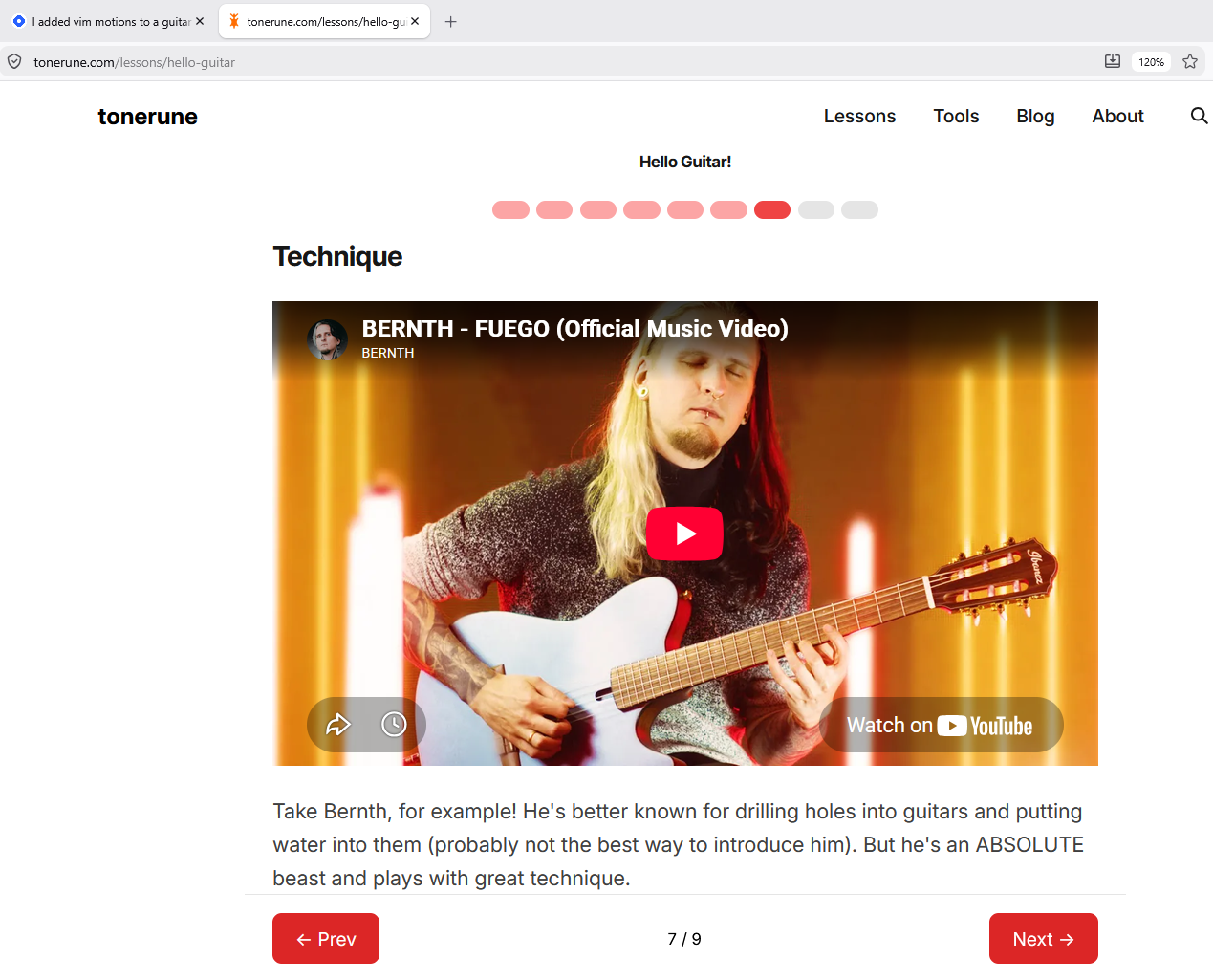
I thought it felt slow. I don’t like clicking previous and next buttons, and since I’m a dev (I use nvim btw), I thought vim motions would be great.
I don’t expect guitar learners to be familiar with using j and k to scroll - they can move around with left and right keys.
Mapping is classic vim.
| Key | Action |
|---|---|
| h / ← | previous |
| l / → | next |
| j | scroll down |
| k | scroll up |
Hmm.. then there’s the best practice. When handling events, we don’t want to steal keys when user is typing into input (say search, for example). And modifier combos like Cmd/Ctrl/Alt should be ignored.
const onKeyDown = (e) => {
    if (e.metaKey || e.ctrlKey || e.altKey || e.repeat) return

const tag = e.target.tagName
if (tag === 'INPUT' || tag === 'TEXTAREA' || e.target.isContentEditable) {
    return
}

// ... actual handling }
Why bother?
Because I want to use my site. It has to be useful to me before it’s useful to anybody else. Granted, I won’t have to ever read the lessons I’ve written; I want to make the site helpful for my actual practice sessions.
Plus, power users will find it helpful.
Footnotes:
- I pushed the feature today and it’s still very early, but if you want to check, here’s the first guitar lesson on tonerune
- I also published a short version of this post on my code blog on hashnode .