AutoDock Vina 1.2.7 Download (Windows, Mac, Linux) - Free Executables
Last verified: 12 Sept 2026 - all files tested and working.
Direct Download
Windows 1.2.7 executable (.exe) - Recommended + my FREE screening pipeline on gumroad if you’re tired of docking one ligand at a time!
Other platforms and AutoDock GPU are below.
These are the official binaries from the v1.2.7 release GitHub release .
I’m rehosting them because official download often fails (wrong Content-Type header makes browsers open files instead of starting a download). No malware, no extra installers, no tracking. Just clean executables.
New to Vina? Check out my FREE docking cheatsheet PDF - grid box setup, PATH fix, making sense of ΔG and interpreting results. It’s 5 pages, pay-what-you-want. Watch the 3-minute walkthrough first!
All AutoDock Vina 1.2.7 Downloads
These are the latest versions (as of today) from the v1.2.7 release . The program is open-source, and the source code is available on their official repository .
Windows
Linux
Mac
These should work fine. Here’s the old version - vina v1.1.2 for Windows if you’d prefer that.
Autodock GPU
AutoDock GPU is the GPU-accelerated system. Useful if you have a GPU and want to speed up runs. OpenBabel
On linux, you may want to compile from source if you want to get the best performance for your system. The official release is here: AutoDock-GPU v1.6 .
Why the official download often fails
A while ago, I came across a Reddit post with a simple problem. The user went to the official site. Clicked download. Then greeted by this page.
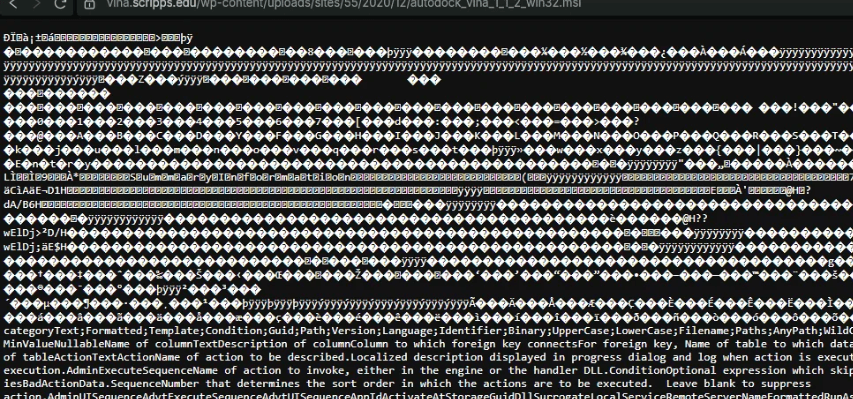
I had already downloaded the file earlier, so I just kept it on Limewire (file-hosting service) and shared the link. They thanked me. All good. But Limewire links expire in a week. So I uploaded and share a new link. Every now and then, somebody would comment they’re having the same problem. And I’d re-upload and share. Since I’m lazy, I decided to keep the files here.
Back to vina’s download issue, their server is sending the Content-Type header as text/plain or some displayable instead of application/octet-stream or application/x-msi so your browser can’t tell if it’s an executable. So the browser tries to open it instead of downloading.
The simplest fix is to use the direct links above. If you prefer official source:
- Right-click the asset, “Save link as..”
- Or use
wgetorcurlfrom the terminal.
Quickstart after download
Windows
- Download the
.exe - Double-click it (or run from terminal)
- If Windows SmartScreen appears, click “More info” → “Run anyway” (this is quite normal for bioinformatics tools)
Linux / Mac
chmod +x vina_1.2.7_linux_x86_64   # or whichever file you downloaded
./vina_1.2.7_linux_x86_64 --help
You should see the help output. That’s it.
AutoDock Vina vs AutoDock GPU
- AutoDock Vina is the standard. This is what most people use.
- AutoDock GPU is much faster if you have a compatible GPU. Slightly more work.
Next step: automate your pipeline so you’re not clicking through 1000 ligands.
Docking ligands to receptor, one at a time is fine. Fun, even. Docking a thousand by hand is a waste of time. I wouldn’t screen thousands of ligands against a receptor without a script, and neither should you!
I wrote a simple (fully free) pipeline for this in Python. You point it to a folder of your ligands, run one command, and walk away. The script handles:
- Batch Docking: Screens 10 or 10,000 ligands automatically.
- Auto-Conversion: Uses OpenBabel to convert raw .pdb files to .pdbqt on the fly.
- Data Extraction: Parses all the messy logs and exports a clean CSV file ranking your best binding affinities (ΔG).
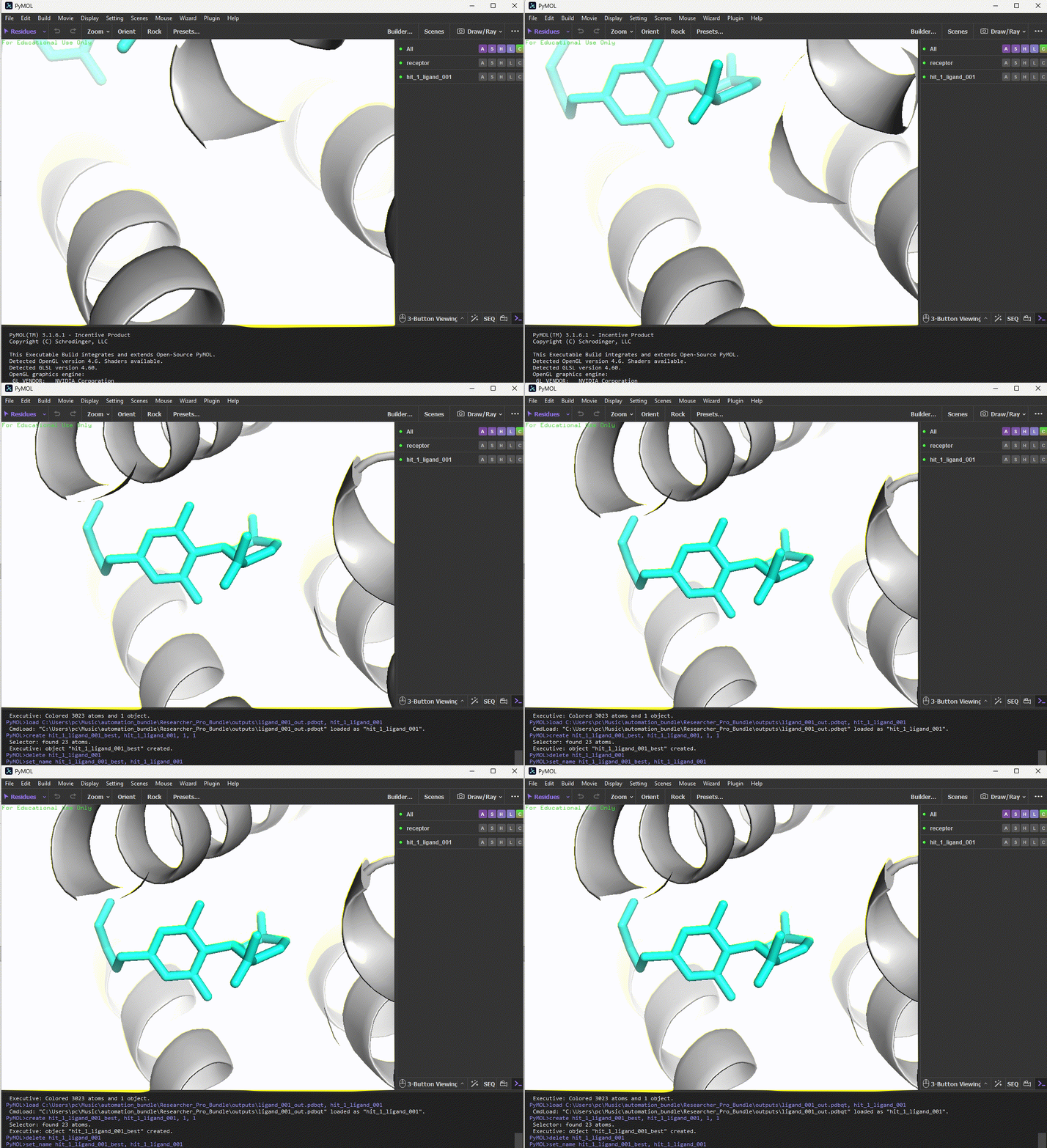
- 1-Click PyMOL Visualization: It writes a custom .pml script that instantly launches PyMOL, loads your receptor, colors your top hits, and animates a zoom right into the winning active site!
There’s also a 5-page PDF explains how grid boxes work, why your PATH setup keeps failing, and how to interpret ΔG scores so a reviewer can’t tear your methods section apart. You get every update free, forever, and I only email you when the bundle changes. You pay what you want. I think it’s probably worth it, especially if it saves somebody a couple hours every week.
Get the free pipeline on Gumroad! (3-minute walkthrough video included)
You get a slick pml file to see ligand-receptor after running the pipeline:
Footnotes
- Autodock Vina and Autodock GPU are softwares for molecular docking. They’re open-source and the code is freely available under an Apache 2.0 license.
- Docking Screens for Drug Discovery covers docking (with AutoDock Vina), modern AI/ML approaches, and alphafold integration if you’re into research. Very good book. Affiliate link (Amazon).
- The AutoDock Vina paper actually came out in 2010! It’s two orders faster and more accurate than AutoDock 4. Oleg Trott (who wrote this software) also writes on his substack and I find his skepticism about AlphaFold 3 interesting.
FAQ
Is this the official AutoDock Vina?
Yes. These are the exact binaries from the official release. I only re-host them so the download works reliably.
Is AutoDock Vina free?
Yes. It is open-source under the Apache 2.0 license.
Do I need to install anything else?
No, just the executable. For advanced workflows, you may later want OpenBabel, MGLTools, or PyMOL.
Windows says “Windows protected your PC”?
This is normal. Click “More info” → “Run anyway”. The file is safe.
How do I get future versions?
Check the official GitHub releases page, or just come back here - I update the links when new stable versions appear.